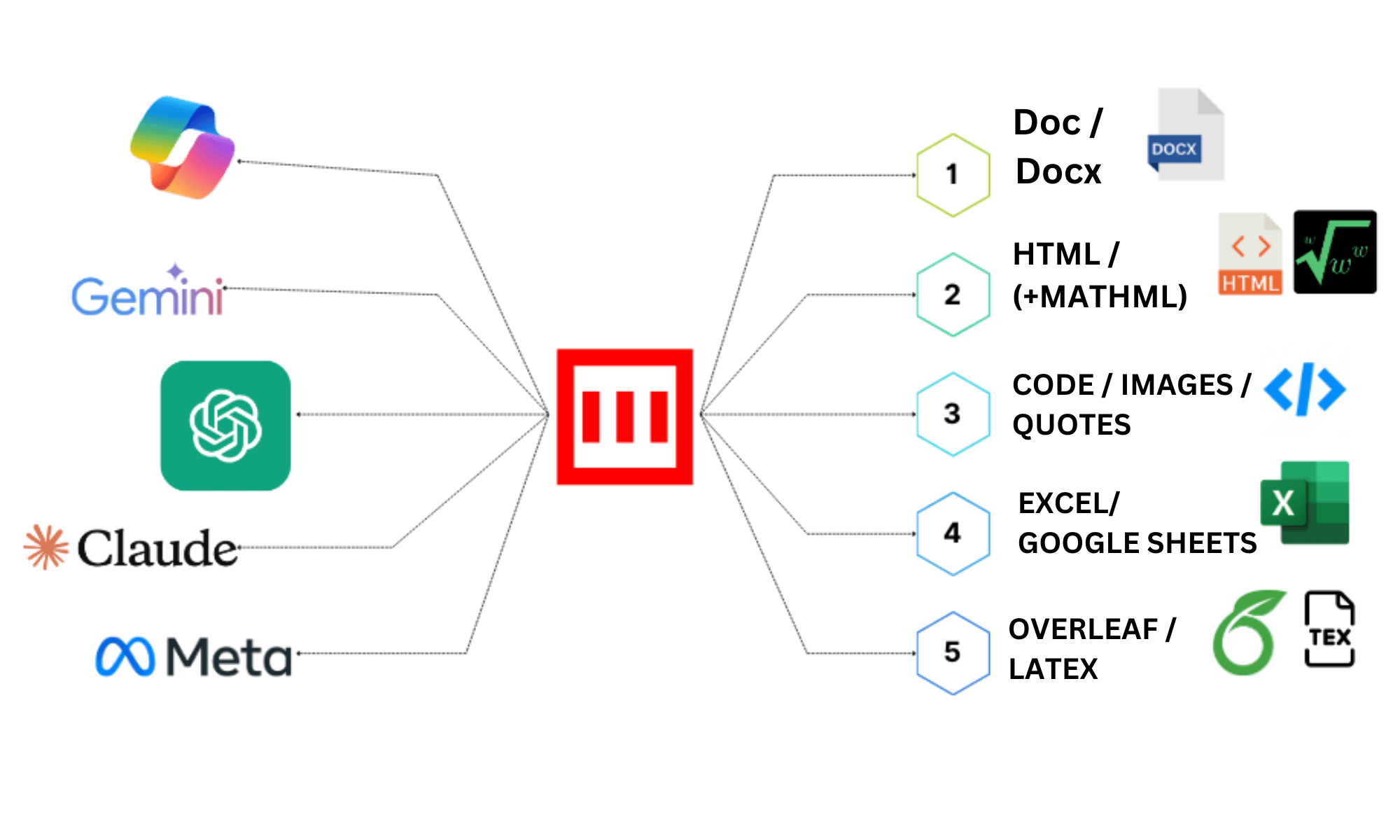
MassiveMark: AI powered document creator
Easily export text from any LLM or GenAI chatbot like ChatGPT, Gemini, or Claude to a DOCX file with all formatting preserved. Convert Markdown to HTML in one click. Seamlessly copy-paste math equations, tables, formulas, and code snippets with colored backgrounds from ChatGPT to DOCX, HTML, or PDF.
CiteGenie : Fast, accurate citations in one click
Fast, accurate citations in one click
MassiveRef: AI powered citation generator
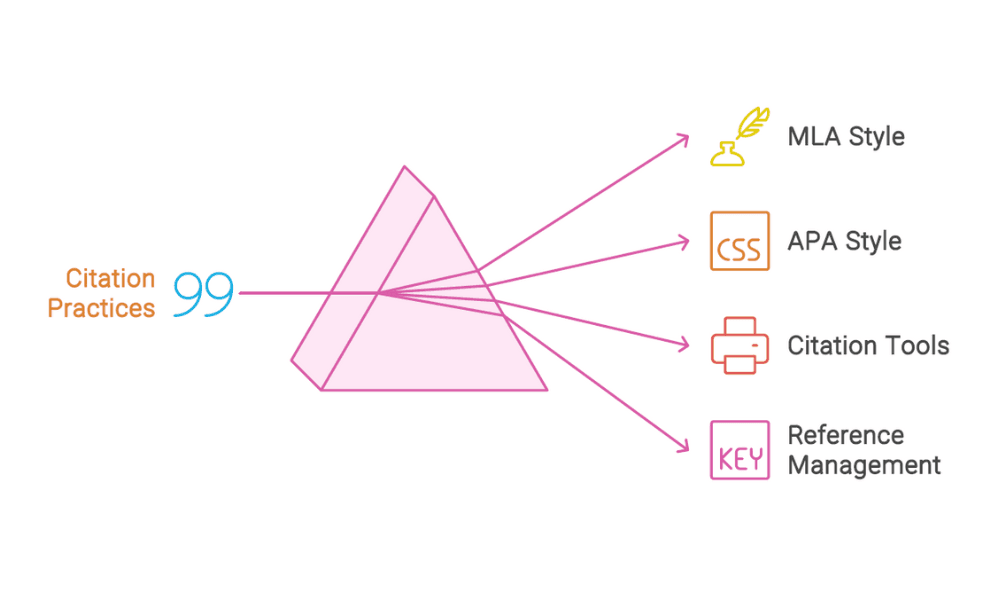
Enter your sources' titles, URLs, ISBNs, or DOIs — all at once — and let Bibcit automatically find and fill in all the essential details for you in one click. Create citations and bibliography references with ease in any style like APA, MLA, Harvard, Chicago, Turabian, Vancouver, IEEE, OSCOLA and more. Cite webpages, books, scholarly articles, and more with free citation generator by BibCit.
MassiveDiag : All-in-One Code to Diagram Generator & Live Editor
Fast, accurate citations in one click
Comprehensive Tools for Research & Professional Documentation
Empowering researchers, students, and professionals with advanced document creation, citation management, and intelligent diagram tools
MassiveMark
Convert AI Markdown to Word DOCX, PDF, and HTML
Create perfectly formatted Word documents from AI assistant responses in one click.
- Preserves mathematical formulas, chemical equations, STEM notations, text styling, tables, code blocks, and complex formatting
- Compatible with ChatGPT, Claude, Gemini, Copilot, NotebookLM, DeepSeek, Grok, Perplexity, Mistral, and all major LLMs
- Export to Word DOCX, PDF, or HTML in one click
- Web extension support: Markdown Capturer for ChatGPT and Gemini to capture authentic markdown responses
MassivePix
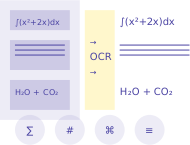
Advanced OCR & Document Conversion
Convert images and PDFs into fully editable documents with perfect formatting preservation.
- Advanced STEM OCR: equations, tables, diagrams, handwriting, multilingual text with layout preservation
- Extract text with deep understanding of layout and rich elements—tables, mathematical equations, complex formulas, artistic diagrams, and visual context
- LaTeX PDFs to Word DOCX with preserved equations and formatting
- Any PDF or scanned image to editable DOCX, HTML, or Markdown
CiteGenie
AI-Powered Citation Verification & Alignment
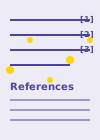
Back your writing with real, verifiable sources—upload your document and receive authentic scholarly citations automatically inserted throughout.
- Upload your Word document and specify number of references needed (1-50 sources)
- Authentic scholarly sources automatically inserted with proper in-text citations—zero hallucinated references
- Formatted reference list added at document end—choose from 10,000+ styles (author-date, numerical, note-based)
- Download with original formatting preserved—all citations verified and contextually aligned
MassiveRef
Create Your Bibliography in One Go—10,000+ Styles
Generate perfectly formatted reference lists without manual entry or source type selection.
- Upload all sources at once—no need to enter one by one or specify source types
- Upload PDFs directly for automatic citation extraction—no manual metadata entry required
- Generate formatted reference list with matching in-text citations in parenthetical or narrative styles
- Choose from 10,000+ citation styles: APA, MLA, Chicago, Harvard, Vancouver—export to Word DOCX with perfect formatting
MassiveDiag
Professional Diagram Code to Visual Converter
Transform your diagram code into stunning visual representations with dual-way editing capabilities.
- Intelligent code recognition engine auto-detects 30+ diagram languages (PlantUML, Mermaid, D2, TikZ, Graphviz, SVG, and more)
- Dual-way editing: modify code directly or edit visually with real-time synchronization
- Create productivity visuals: mindmaps, flowcharts, network diagrams using Mermaid, Excalidraw, Markmap
- Technical diagrams: UML, software architecture, circuit design with PlantUML, C4, WaveDrom, TikZ, WireViz
- Export to SVG, PNG, PDF, JSX (React), and Word DOCX formats